How to bring textures from Substance Painter to Unreal Engine
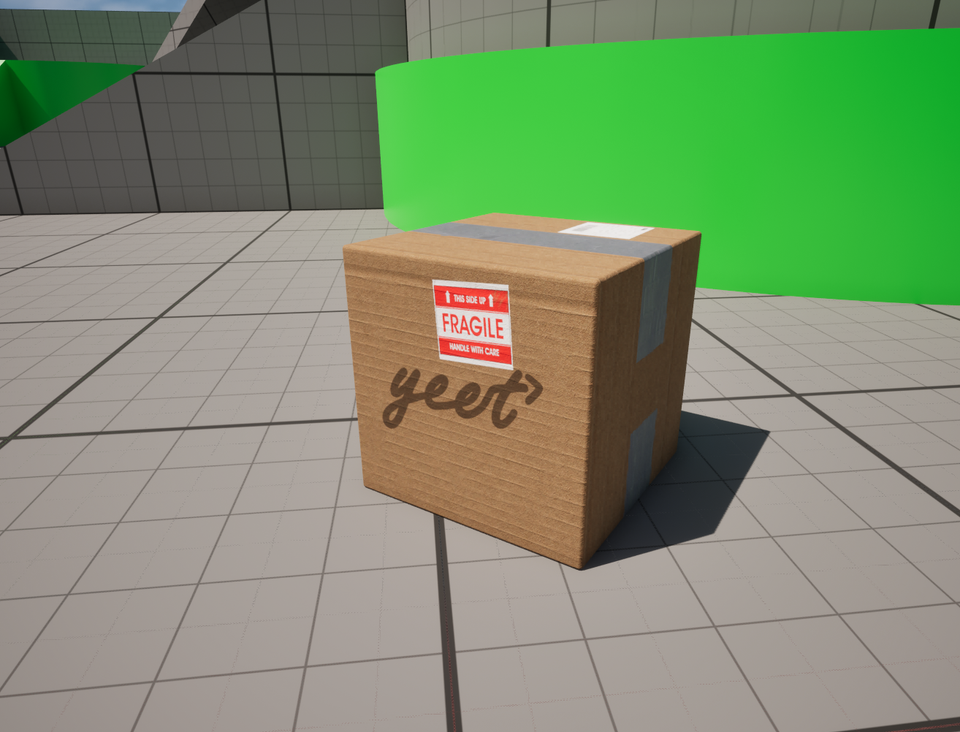
This post is mostly a reminder for future me on how to get textures from Substance Painter into Unreal. If you're a game artist, you probably shouldn't be reading this. But if you, like me, have no idea how artists get those pretty textures into the engine, here's what I've done.
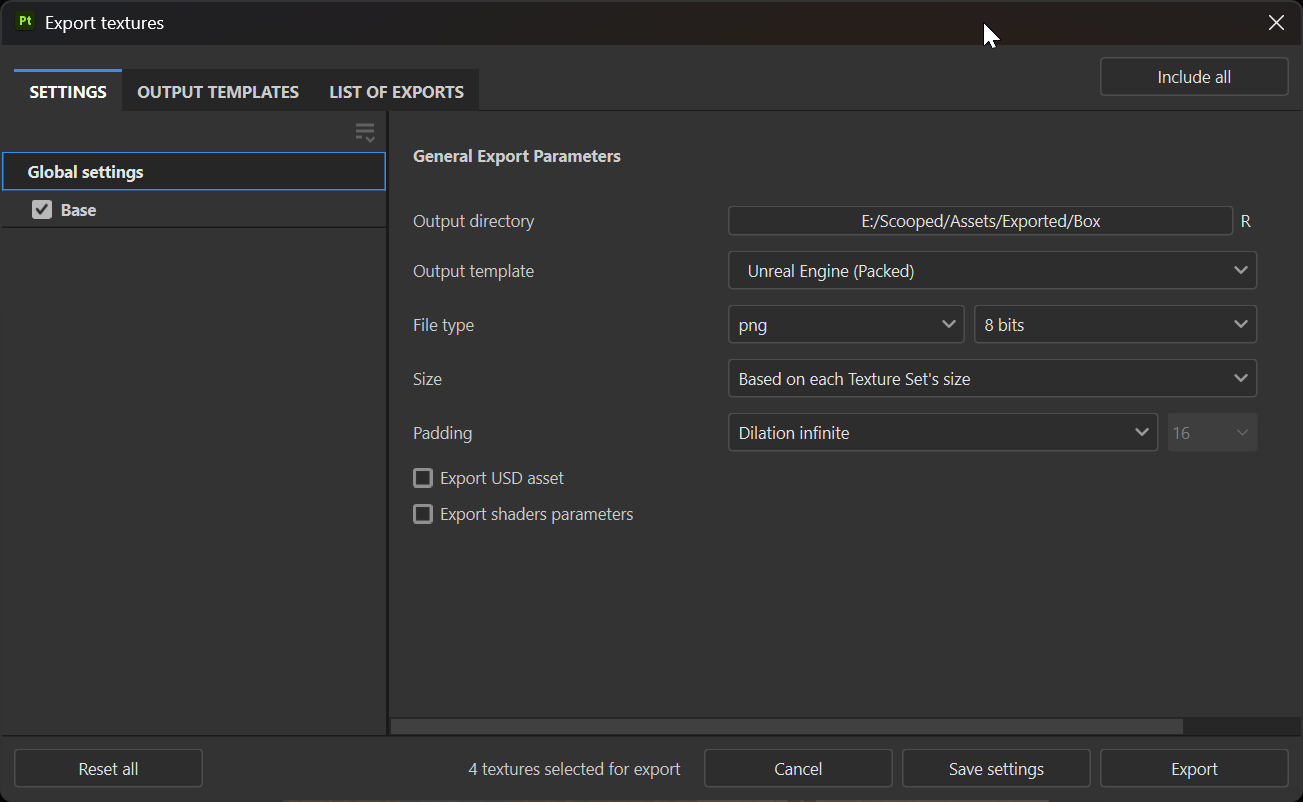
In Substance Painter, go to File > Export Textures, select your output directory, and choose the Unreal Engine (packed) template. Hit Export.
In Unreal, drag your exported textures into the Content Browser.
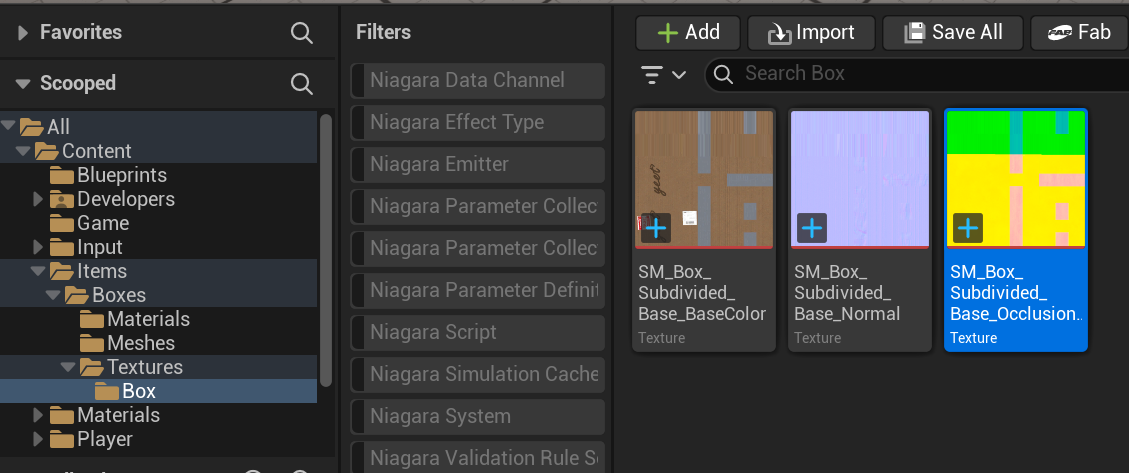
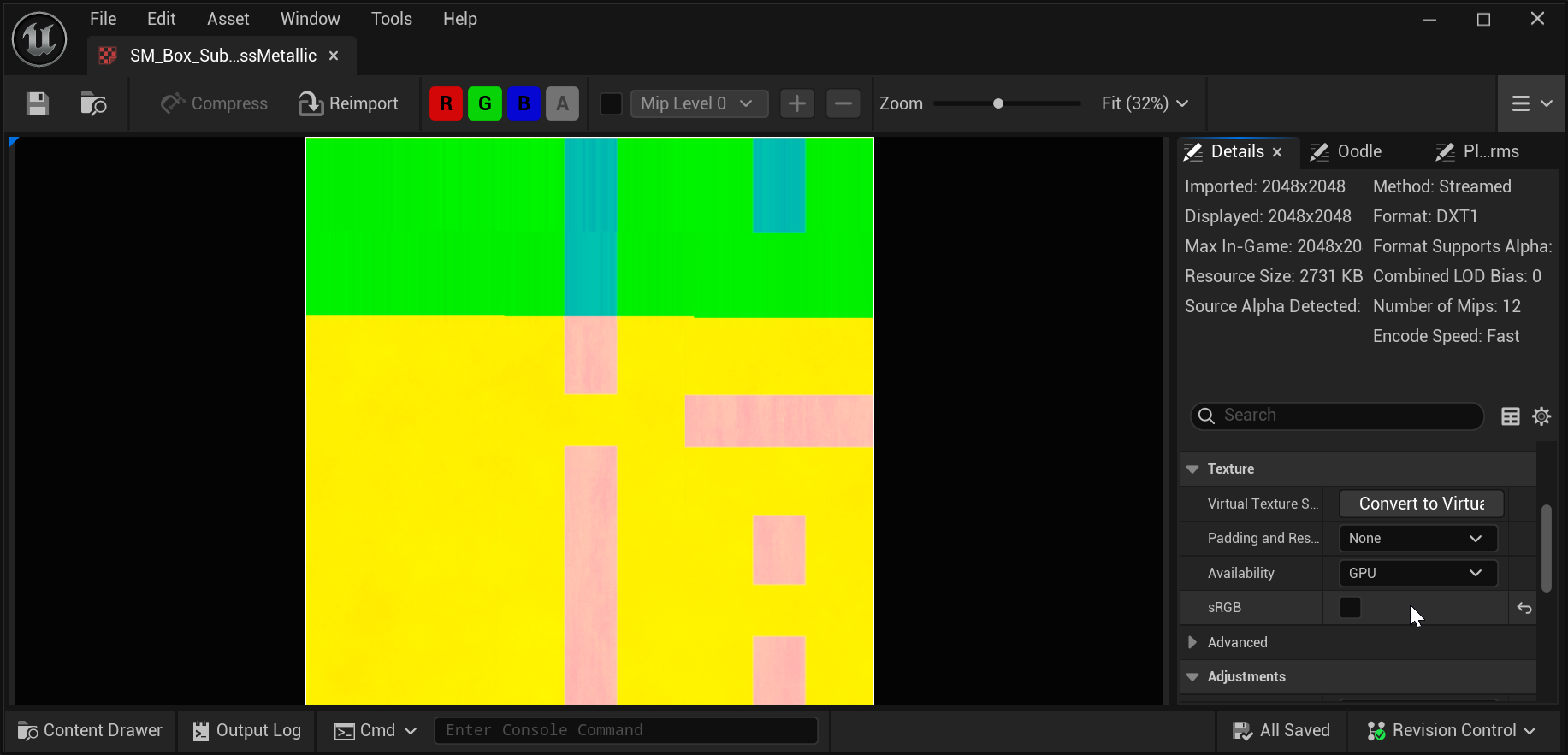
Make sure to disable sRGB for the ORM (Occlusion, Roughness, Metallic) map, since it's a packed texture with linear values.
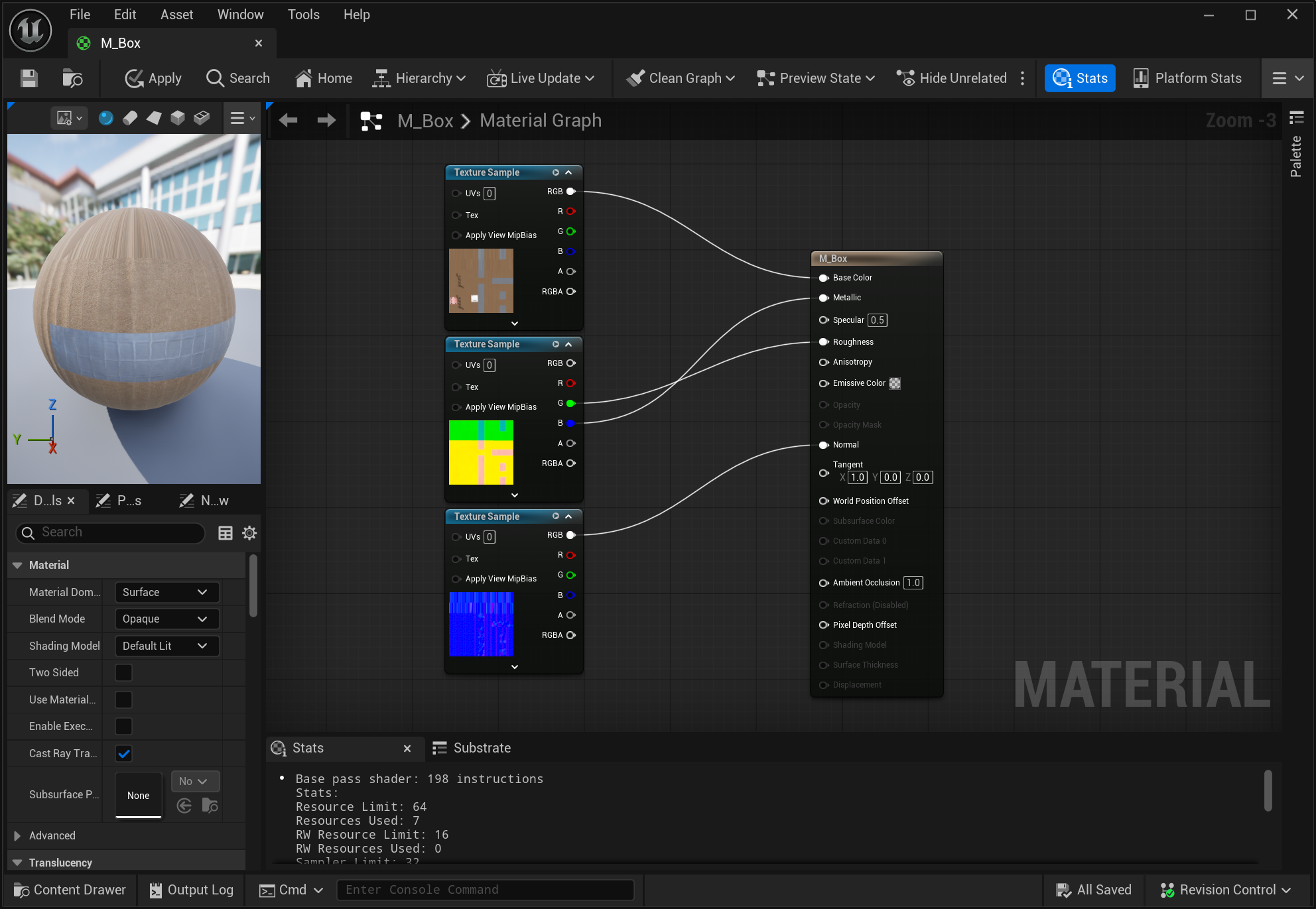
Create a new material if you don't already have one. Connect the albedo texture to Base Color, the normal map to Normal, the green channel of the packed texture to Roughness, and the blue channel to Metallic. If you have occlusion data, connect the red channel to Ambient Occlusion.
And we're done.